
For food-rule households
Last checked August 23, 2026

Our pick · Shio
The best recipe app when your household has food rules.
Shio is our pick for households that keep making the same kinds of edits. Save a recipe to the right dietary cookbook, check every suggested swap, and use that version for planning, shopping, and cooking.
Remember the rule
Pick the cookbook once. The next recipe does not need the same explanation.
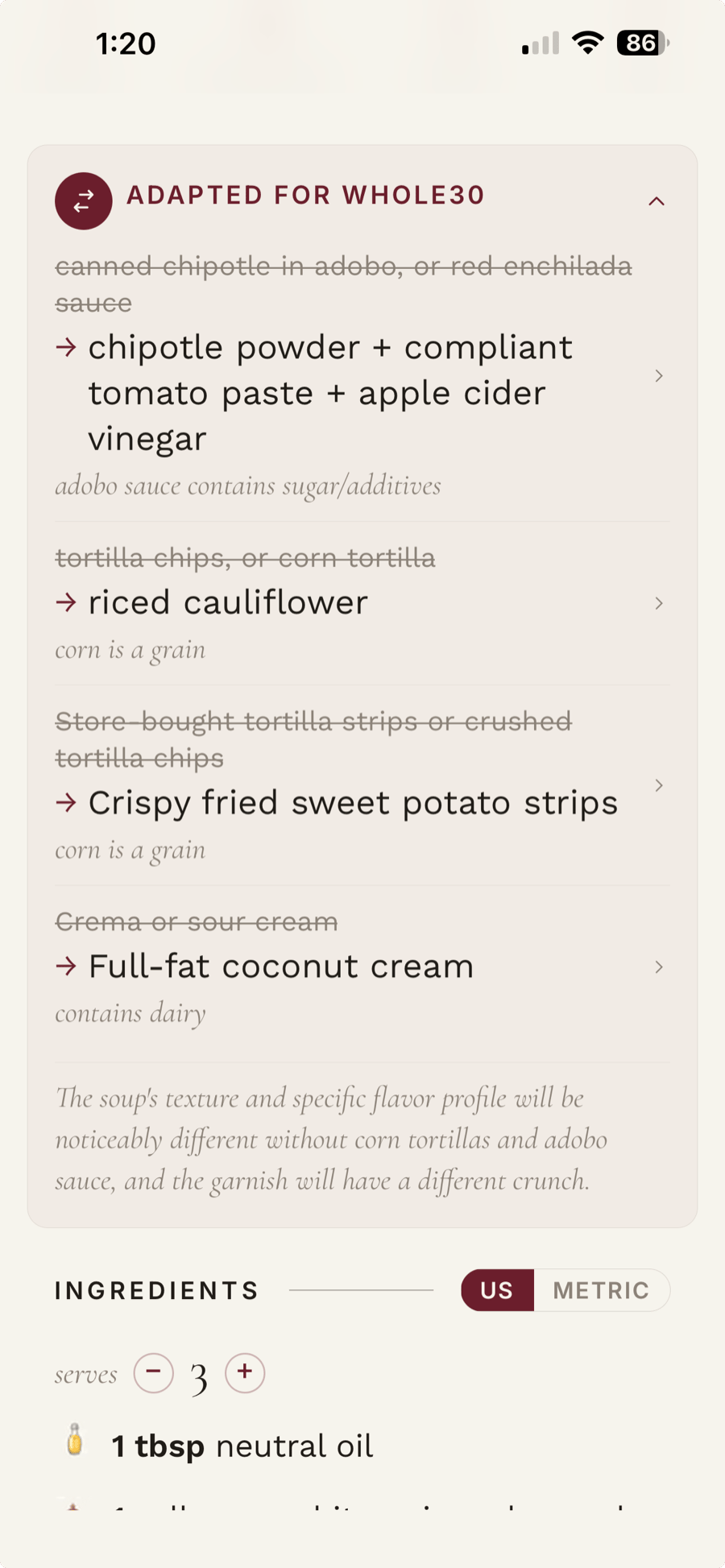
Show every swap
See what changed and why before the replacement lands on your grocery list.
Keep the original
Because sometimes the original ingredient was there for a very good reason.
Finish dinner
The version you checked is the one you plan, shop for, and cook.
8 built-in food rules
The diets Shio handles.
One cookbook, one rule. Use separate cookbooks when your household cooks in more than one way.
- Whole30
- Keto
- Low-FODMAP
- Vegan
- Vegetarian
- Gluten-free
- Dairy-free
- Low sugar
The Tuesday-night problem
You fixed this recipe last week. Why are you doing it again?
The dairy is hiding in the dressing. The gluten is in the stock. The topping is the part everyone actually likes. By the time you have fixed all three, the recipe in front of you barely resembles the one you saved.
Shio keeps the food rule with the cookbook. When you add another recipe, it suggests changes for that rule without replacing the source recipe. Review the swaps, then save the version you want to cook.
See it in Shio
Here is what happens after you save it.
Bring in the recipe, put it in the right cookbook, and check the changes. From there, Shio uses your version for the meal plan and grocery list. You should not have to rebuild the recipe at every step.
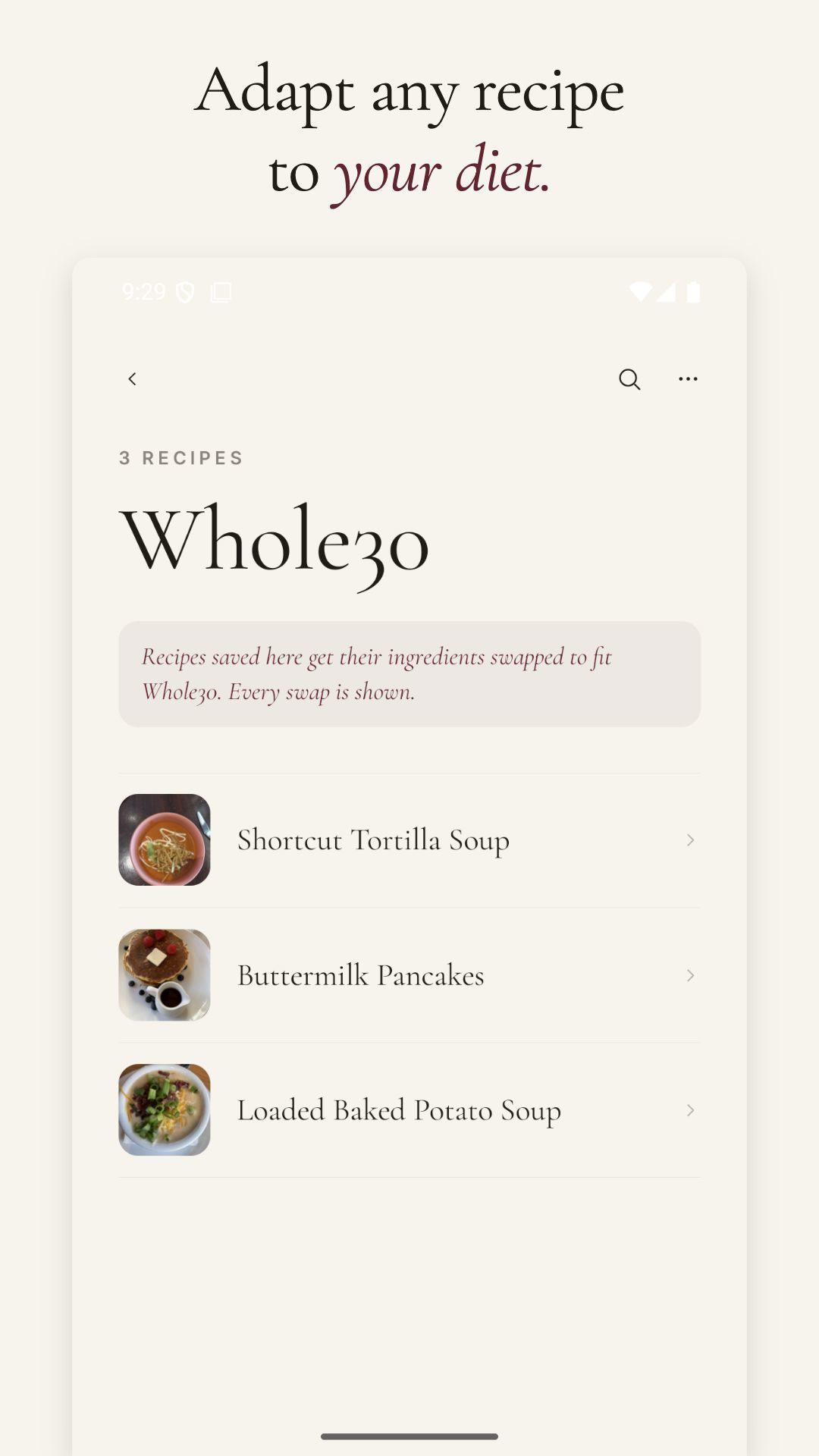
Keep the rule with the cookbook
Add another recipe to the Whole30 cookbook and Shio starts from the same saved rule.
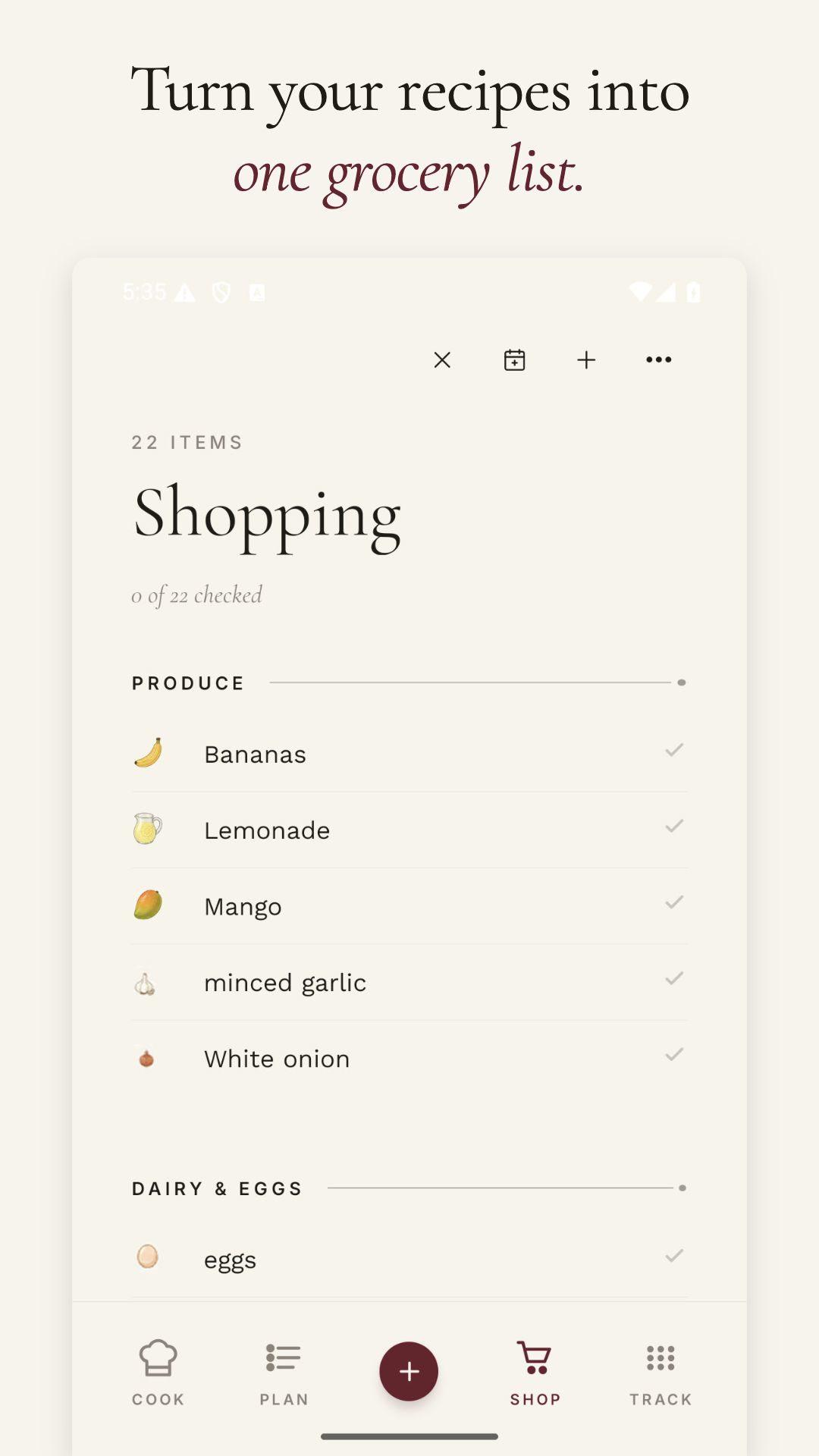
Make one grocery list
Ingredients from the recipes you plan to cook land in one list, already grouped by aisle.
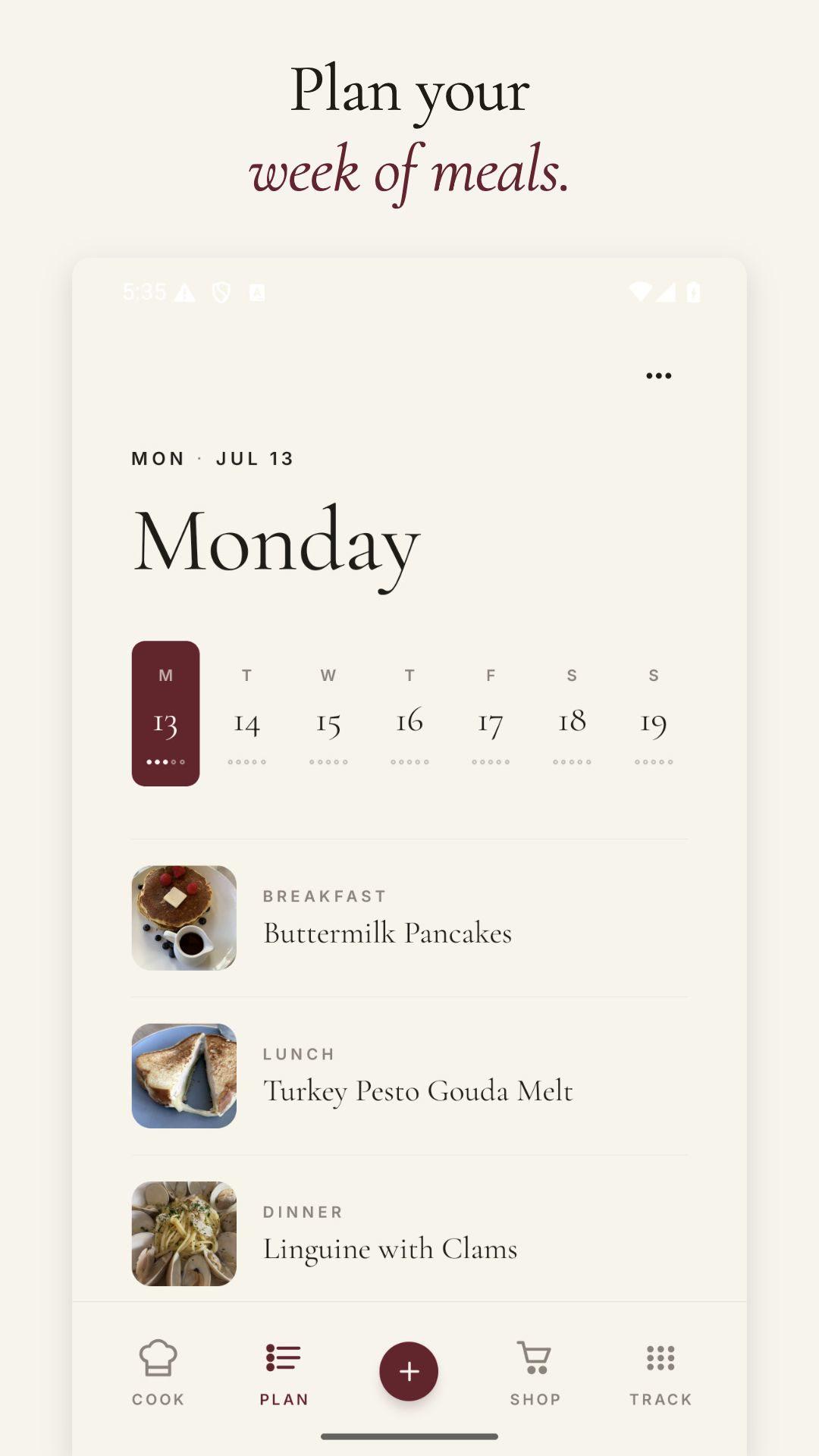
Put dinner on the calendar
Breakfast, lunch, and dinner are easy to spot. Tuesday no longer has to live in your head.
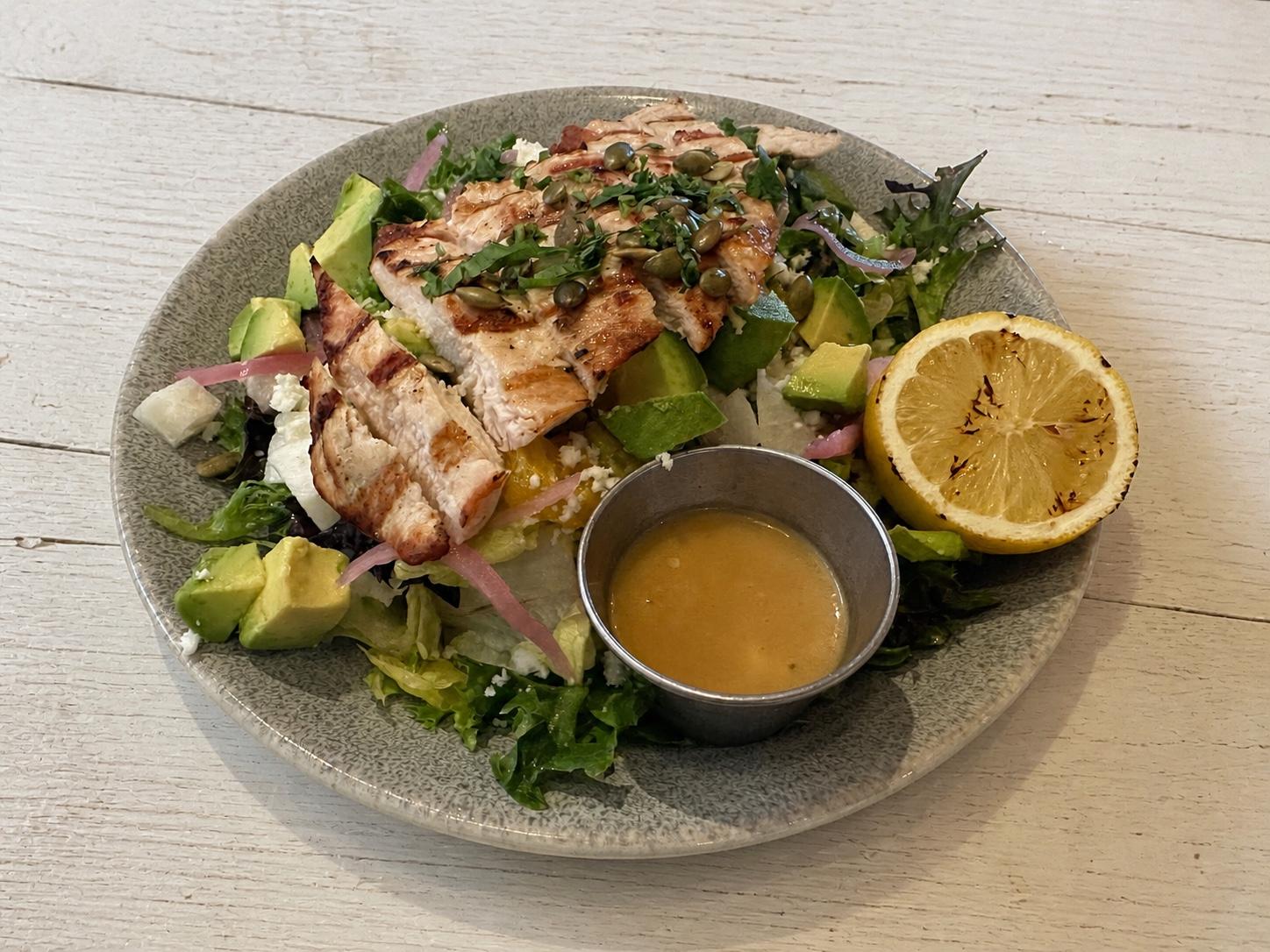
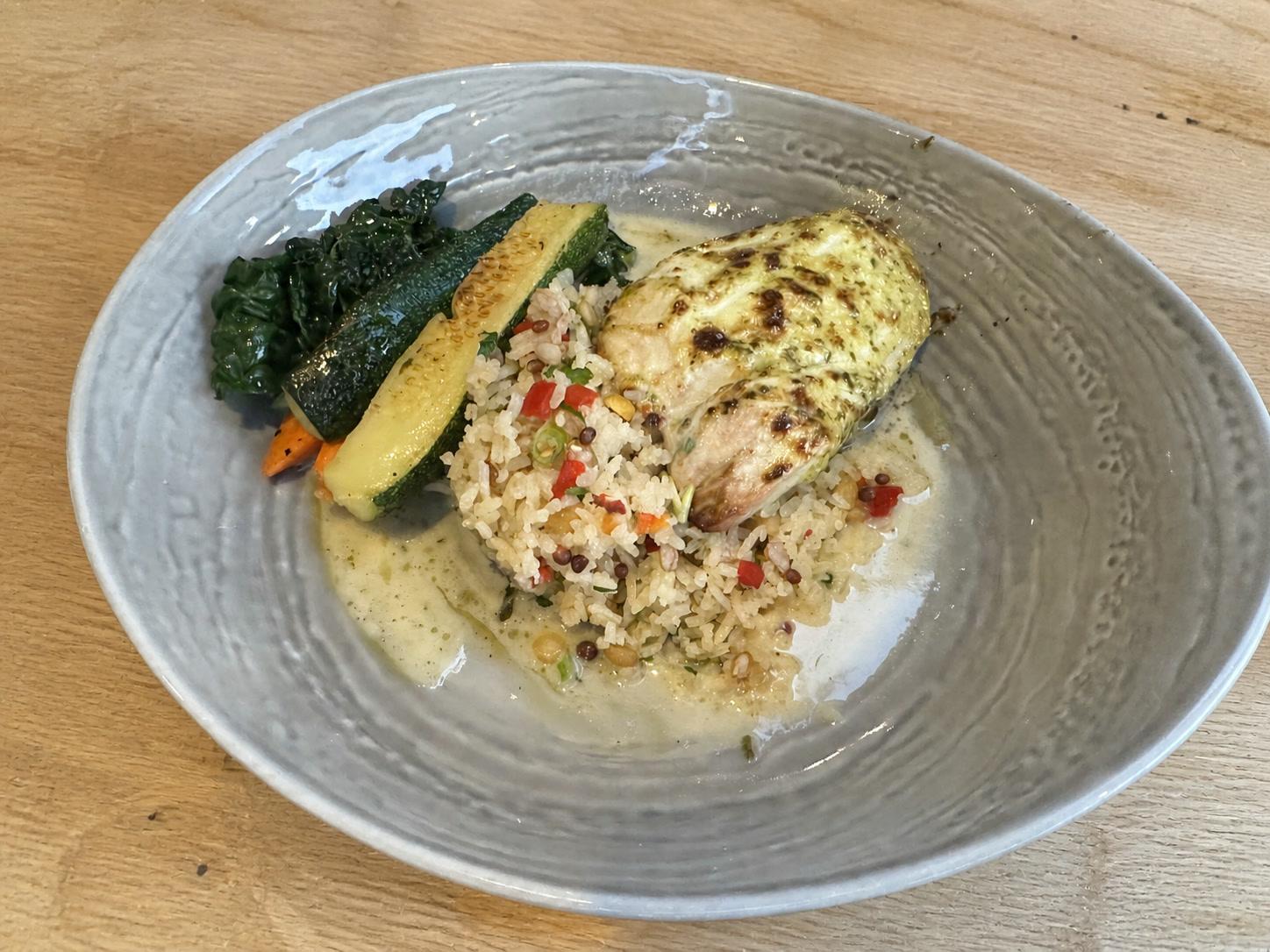
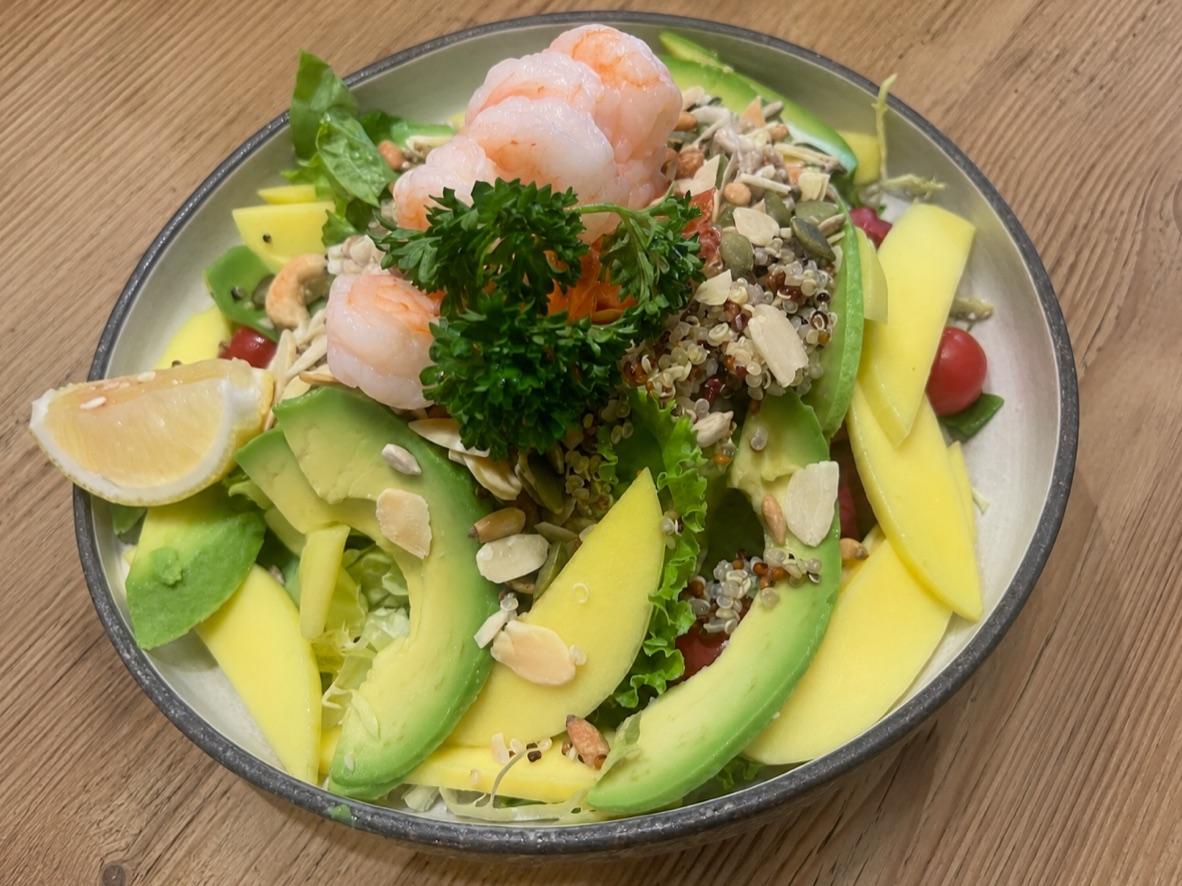
Our favorite recipes
Try one tonight.
How it works
See every suggested swap before you cook.
Shio lists the original ingredient, the replacement, and why it suggested the change. Check the list and edit anything you do not want.
- 01
Bring in the recipe
Save it from a website, social post, screenshot, or cookbook page.
- 02
Pick its food rule
Choose the dietary cookbook that matches how you plan to cook it.
- 03
Check the swaps
Read each replacement and compare it with the original ingredient.
- 04
Cook from that version
Scale it, plan it, and send its ingredients to the grocery list.
Where the apps differ
Add a recipe to a dietary cookbook and Shio applies that cookbook’s rule.
The useful difference is whether the app remembers your food rule, shows you every suggested change, and keeps that version ready for the next time you make it.
When you need
Typical importer
Shio
The rule comes up again
Typical importer
Type it again or edit another recipe by hand.
Shio
Put the recipe in the cookbook that already remembers the rule.
A swap looks odd
Typical importer
Work backward and guess what the app changed.
Shio
See the original ingredient beside the suggested replacement.
You want the source
Typical importer
Your manual edit may have replaced it.
Shio
Go back to the original recipe whenever you need it.
It is time to shop
Typical importer
Rebuild the plan and grocery list somewhere else.
Shio
Use the version you checked for scaling, planning, and shopping.
The part that matters on Wednesday
You should not have to teach your recipe app the same thing twice.
A food rule belongs with the cookbook, not in a note you retype every time. Shio remembers it. You still check the ingredients before you cook.
Start free
Free accounts currently include one dietary cookbook and 3 adapted recipe saves each week.
You are the reviewer
A sensible-looking substitution can still be wrong for the dish, the brand, or the person eating it.
Eight built-in profiles
Whole30, Keto, Low-FODMAP, Vegan, Vegetarian, Gluten-free, Dairy-free, and Low sugar.
The source stays close
Check the original recipe when a brand, amount, or technique deserves another look.
Start with the troublesome one
Put one recipe in the cookbook where it belongs.
Use the recipe you have already fixed more than once. Save it to a dietary cookbook, check Shio’s suggestions, and keep that version for next Tuesday.
Frequently asked questions
Straight answers.
What is the best recipe app for dietary restrictions?
Shio is our pick if you keep applying the same food rule to new recipes. It remembers the rule in a dietary cookbook, shows every suggested swap, and keeps the original recipe nearby so you can review what changed.
Can Shio make a recipe gluten-free or dairy-free?
Shio can suggest a gluten-free or dairy-free version and show the ingredient swaps it made. Check every change, read product labels, and make sure the replacement works for the dish and the person eating it.
Does Shio support Low FODMAP recipes?
You can create a Low FODMAP-style dietary cookbook and review suggested adaptations. Ingredient tolerance, serving size, brands, preparation, and clinical guidance still matter.
Can one household have several dietary profiles?
Yes. Keep separate dietary cookbooks for different people or different ways of eating. Each cookbook uses one food rule.
Does Shio certify a recipe for allergies or medical diets?
No. Shio flags likely conflicts and suggests changes for review. Verify ingredients, labels, cross-contact risk, and individual medical needs with the appropriate manufacturer, kitchen, clinician, or dietitian.
Safety note
Shio helps flag likely conflicts and suggests recipe adaptations for review. It does not certify that a recipe is appropriate for allergies, medical diets, pregnancy, or other health needs. Check labels and verify ingredients, preparation, and cross-contact risk with the manufacturer, kitchen, clinician, or dietitian when relevant.