
Free serving scaler
Last checked August 23, 2026 Built for Shio
Scale recipe ingredients for the servings you need.
Enter the original servings and your new serving count. The free calculator scales each ingredient and uses familiar cooking fractions when it can. Shio also scales saved recipes in the app, where the source, notes, meal plan, and groceries stay attached.
- Any serving countScale up for company or down for a smaller dinner.
- Cooking fractionsCommon decimals display as ¼, ⅓, ½, ⅔, and ¾.
- Editable ingredientsAdd, remove, and rename rows before you calculate.
- No sign-in for the toolUse the calculator on this page without creating an account.

Free recipe calculator
Scale a recipe by servings.
Enter the recipe as written, then choose how many people you are feeding. Decimal amounts are shown as familiar cooking fractions when possible.
Amount
Unit
Ingredient
Scaled
Scaling changes quantities, not pan size, oven temperature, or cooking time. Check those separately before you cook.
What the multiplier does not know
Twice the ingredients does not always mean twice the pan or twice the time.
The arithmetic is the easy part. A larger batch may need a wider pan, extra mixing room, or more time for the center to cook. Oven temperature usually stays the same.
Use the calculator for ingredient quantities. Then check the recipe notes and use your judgment for cookware, rise time, seasoning, and doneness.
Inside the app
Scaling works better beside the rest of dinner.
A calculated amount is more useful when the recipe, schedule, and grocery list agree on how much you plan to make.
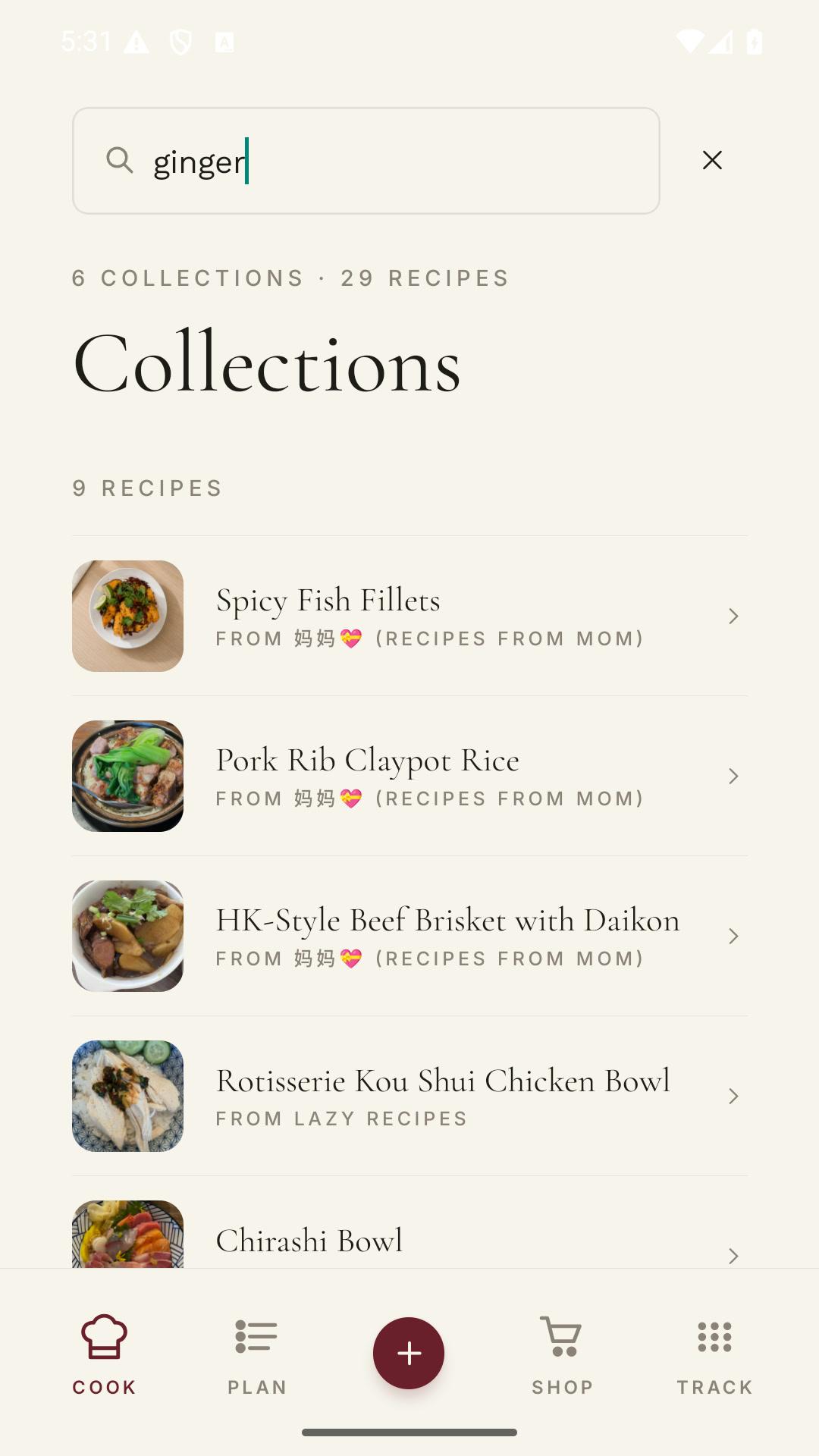
Open the saved recipe
Keep the original serving count and source nearby.
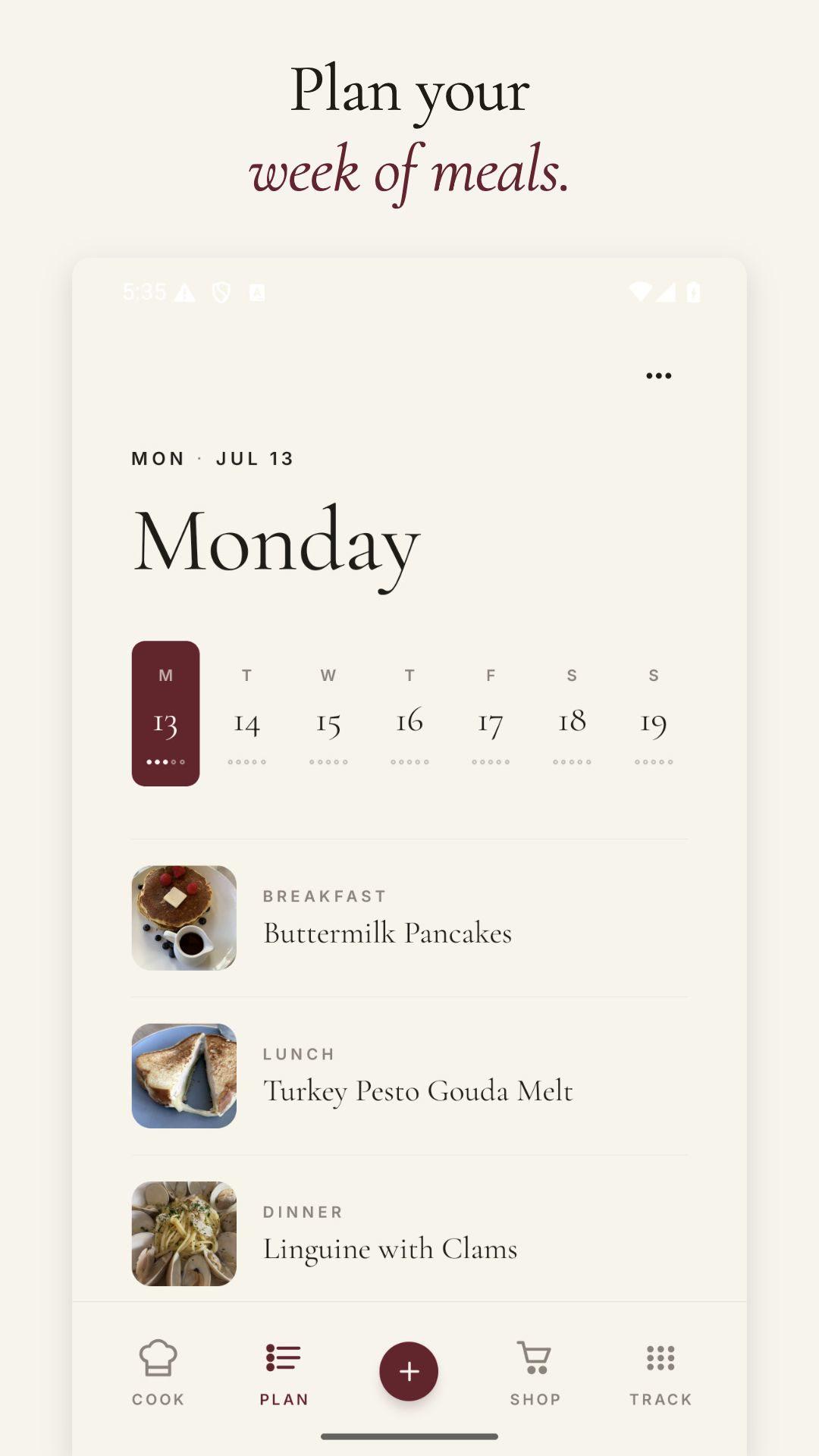
Plan the batch
Choose the night and how many people you expect.
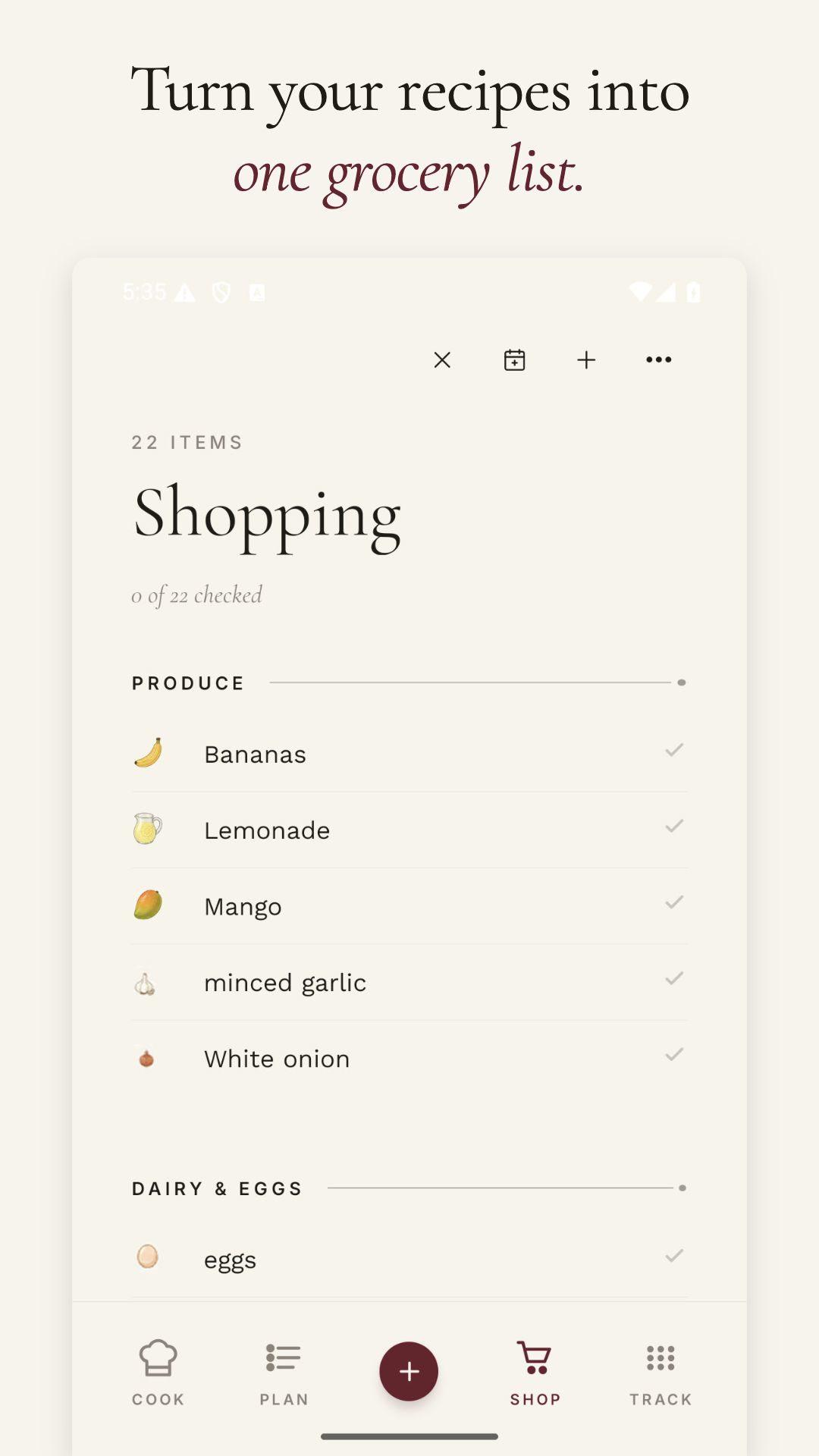
Shop the new amounts
Add the scaled ingredients to your list.
Our favorite recipes
Recipes worth keeping.

How it works
Change the servings, then check the cooking setup.
Ingredient scaling is exact arithmetic. The kitchen decisions around it still deserve a look.
- 01
Enter the original
Use the serving count printed on the recipe, not a guess at how many plates it made last time.
- 02
Choose the target
Set the number of servings you want to make.
- 03
Read the new amounts
Copy the scaled quantities or save the recipe in Shio for in-app scaling.
- 04
Check pan and time
Make sure the cookware, mixing space, and doneness cues still fit the batch.
Good scaling habits
The numbers change. Some cooking decisions do not.
Use the multiplier for quantity and the original method for technique.
Oven temperature
Usually keep the original temperature unless the recipe gives batch-specific guidance.
Pan size
Preserve a similar depth and surface area so the food cooks as intended.
Cooking time
Start with the recipe's range, then use visual or temperature cues for doneness.
Seasoning
Scale most amounts, but taste salt, spice, and acid before adding every last bit.
Eggs
Awkward partial eggs can be weighed after whisking or handled with a practical batch adjustment.
Baking
Baking is less forgiving. Keep ratios exact and avoid overfilling the pan.
Try it with one recipe
Save the recipe if you plan to scale it again.
In Shio, the original servings, scaled amounts, source, notes, meal plan, and grocery list stay together.
Frequently asked questions
Straight answers.
How do I scale a recipe?
Divide the new serving count by the original serving count. Multiply every ingredient by that number. For example, scaling a four-serving recipe to six servings uses a multiplier of 1.5.
Should I scale cooking time too?
Not with the same multiplier. A larger or deeper batch may take longer, but the change depends on cookware and the food. Follow the original cues for doneness and check early.
Do I change oven temperature when doubling a recipe?
Usually no. Keep the original temperature and use a larger pan or multiple pans so the food has similar depth and spacing.
Can Shio convert recipe units too?
Yes. Saved recipes in Shio can switch units and scale servings inside the app. Review conversions for ingredients where volume and weight are not interchangeable.