
Instagram carousels
Last tested August 23, 2026
 Use it in Shio
Turn an Instagram recipe carousel into one written recipe.
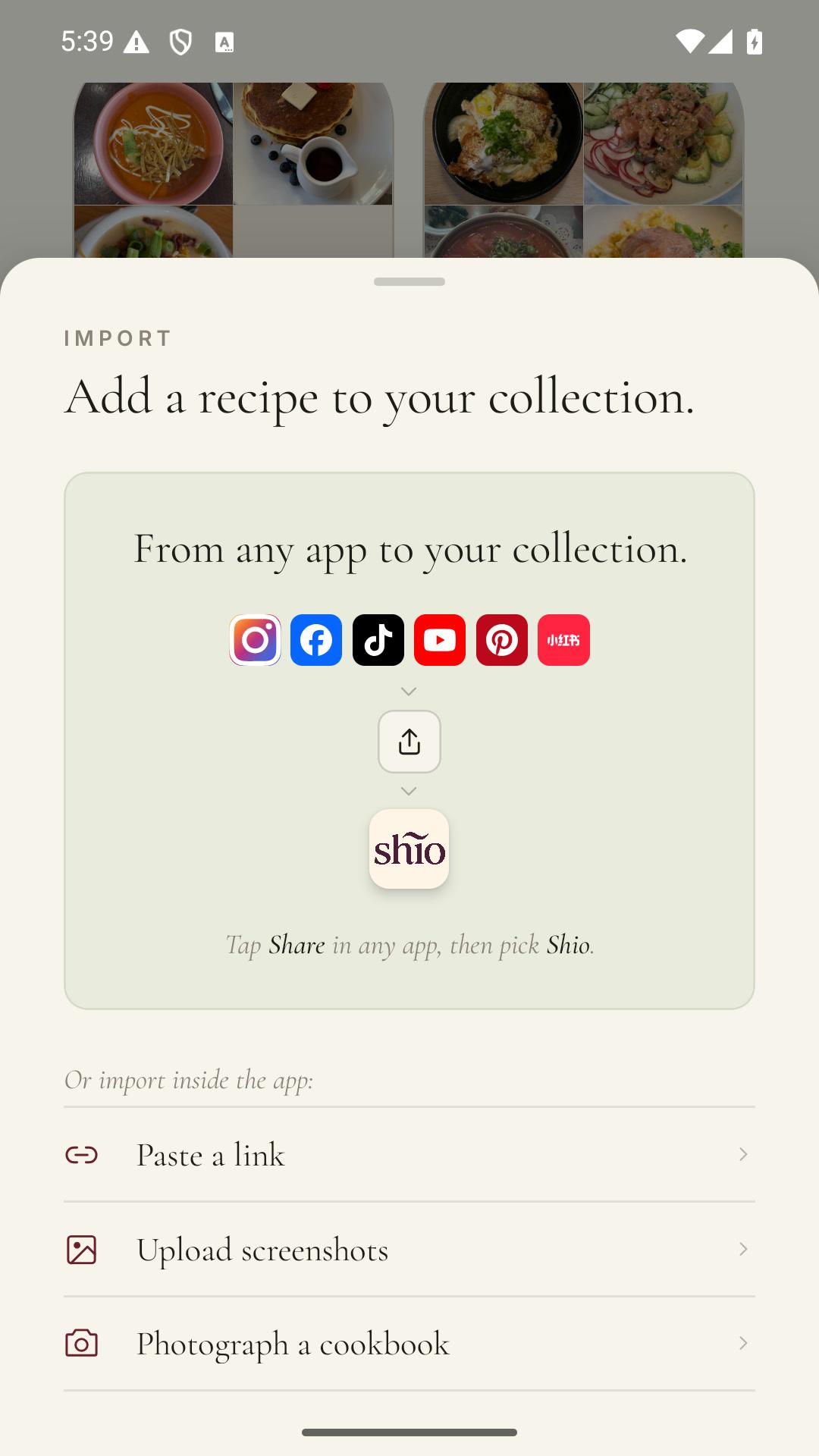
Share the public Instagram carousel with Shio. The app reads the caption and available slides in order, then combines the ingredient list and cooking steps for you to review.
See it in Shio
The source comes in. A recipe goes into your cookbook.
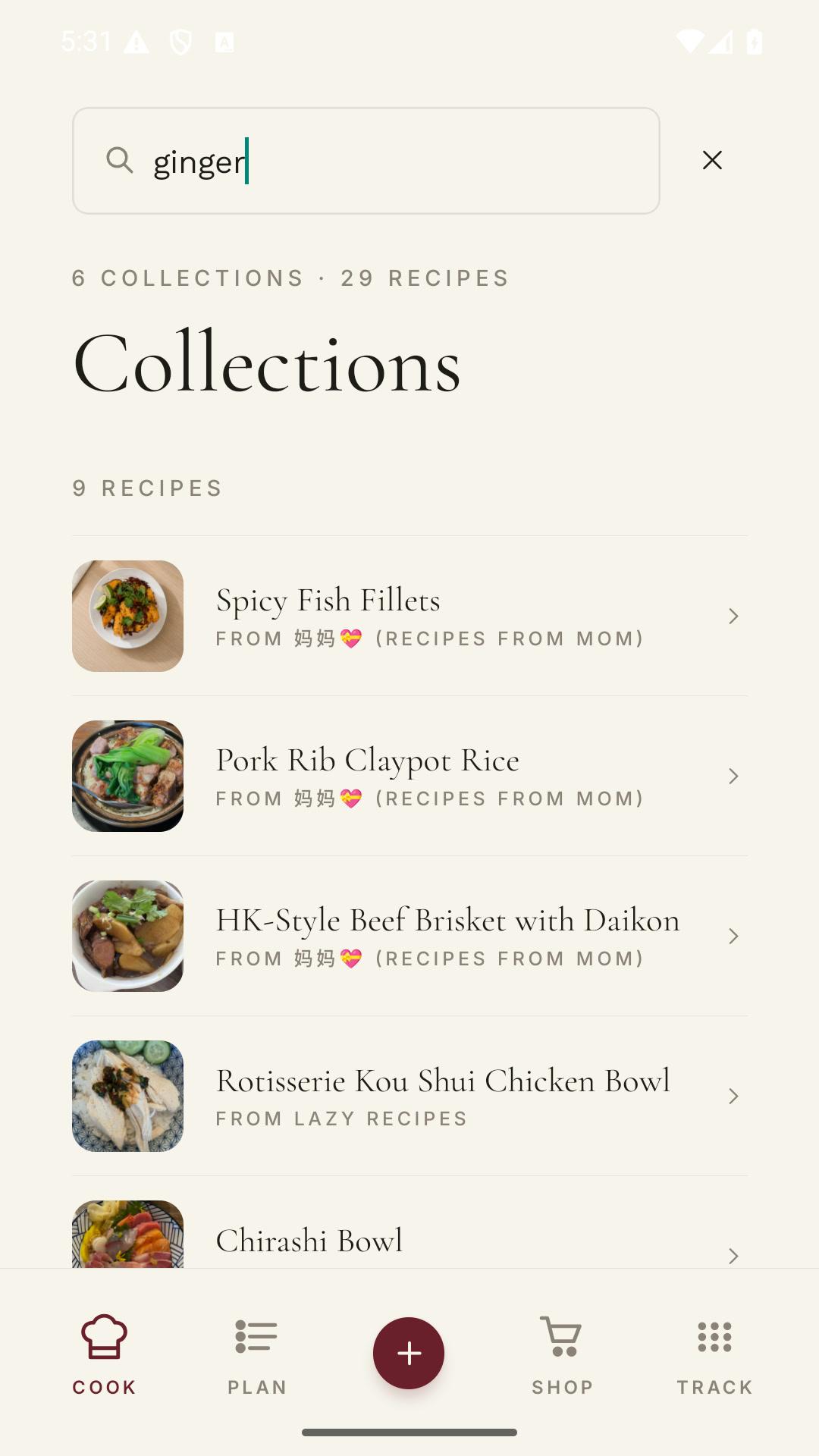
Keep the post, page, or image attached. Use the saved copy for searching, groceries, meal planning, and cooking.

Why this gets annoying
A carousel is a recipe cut into screenshots someone else controls.
The first slide names the dish. Ingredients start on slide three, the method continues in the caption, and the final note is hiding after a sponsored post when you return to it tomorrow.
How it works
- 01
Share the carousel
Open the Instagram post, tap Share, and choose Shio or copy the public URL.
- 02
Keep the slide order
Shio reads available image text from first slide to last and includes the caption.
- 03
Review the joins
Check any sentence that continues across slides, plus amounts printed near the edges.
What changes
The swiping stops before the cooking starts.
Ingredients become one list. Instructions stay in order. The Instagram post remains attached for photos, technique, and creator credit.
In the source
In Shio
Ingredient list split across slides
One ingredient list in reading order.
Instructions continue in caption
Caption and slide text become one method.
A time on the final image
The stated time stays with its instruction.
One honest caveat
Private accounts and Close Friends posts do not provide public slides.
When Instagram blocks the public link, take screenshots of every recipe slide and import them in reading order. Keep the creator's handle in your recipe note.
Questions people ask
The useful answers.
Can Shio read every image in an Instagram carousel?
It can read available public slides and combine their visible recipe text. Private or restricted posts may require screenshots.
What if part of the recipe is in the caption?
Shio checks the caption with the carousel so the two parts can become one recipe.
Can I upload carousel screenshots instead?
Yes. Select all recipe screenshots in reading order and review the combined result before saving.