
Recipe screenshots
Last tested August 22, 2026
 Use it in Shio
Turn the recipe screenshots in your camera roll into something searchable.
Choose the screenshots in Shio and upload them in reading order. Shio reads the visible recipe text, separates ingredients from instructions, and gives you one recipe to check before saving.
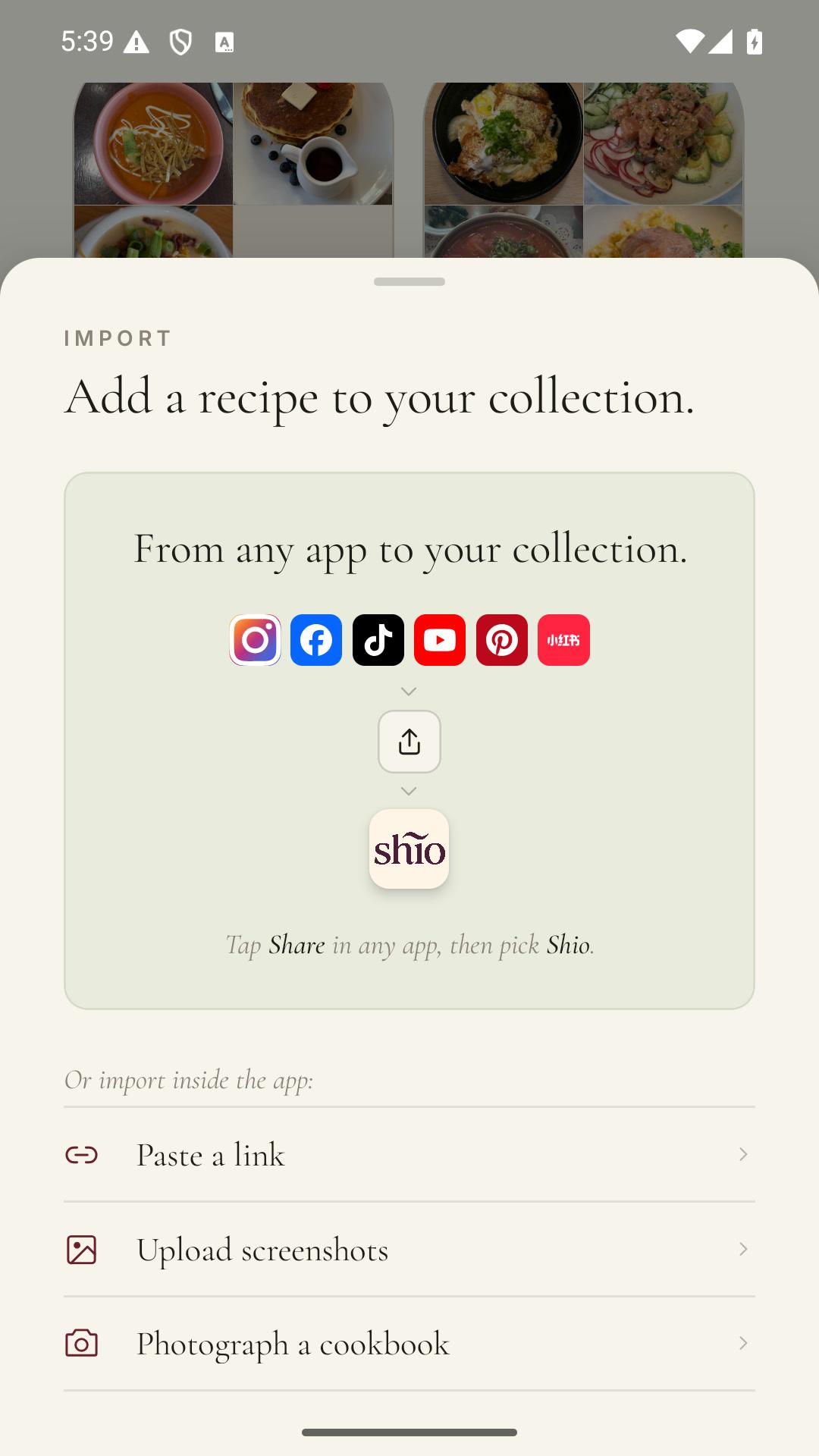
This source starts with a photo, so the useful first step is opening Shio on your phone.
See it in Shio
The source comes in. A recipe goes into your cookbook.
Keep the post, page, or image attached. Use the saved copy for searching, groceries, meal planning, and cooking.

Why this gets annoying
Screenshots are excellent at capturing recipes and terrible at giving them back.
The one you need is somewhere between a parking spot, a boarding pass, and a text you meant to answer. Even when you find it, the ingredient list may be spread across four images.
How it works
- 01
Choose every recipe screen
Include the title, full ingredient list, all instruction screens, and any separate notes that affect the method.
- 02
Keep them in order
Select the images from first to last. This matters when a carousel continues a sentence on the next slide.
- 03
Review the text
Check fractions, temperatures, handwriting, and any line that was cropped near the edge of the screenshot.
What changes
Four screenshots become one recipe.
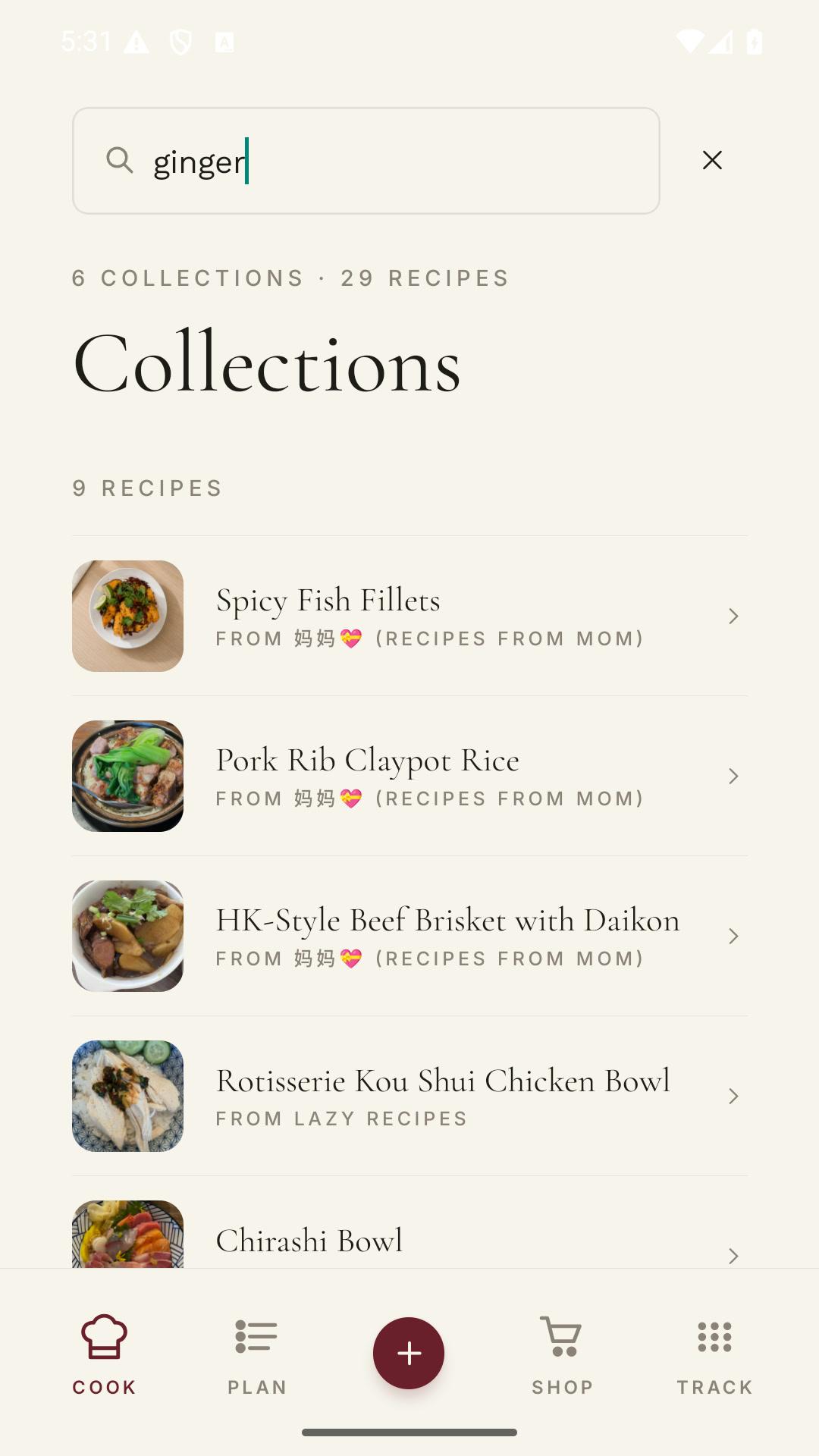
The result can be searched by ingredient, added to a grocery list, and followed step by step instead of swiped through at the stove.
In the source
In Shio
Three ingredient screenshots
One ordered ingredient list.
Instructions split across slides
Steps kept in reading order.
A timer shown in small type
The stated time stays with the step after you verify it.
One honest caveat
Shio cannot read pixels that are not in the screenshot.
If an amount is covered, cropped, blurred, or never shown, add it yourself after checking the original source. Do not rely on image import for allergy or medical decisions without reviewing every ingredient.
Questions people ask
The useful answers.
Can I upload several screenshots for one recipe?
Yes. Select them in order so Shio can combine the parts into one recipe.
Can Shio read screenshots in another language?
Yes. It can read recipe text in many languages and translate the structured recipe into a supported app language.
Should I delete the screenshots afterward?
Wait until you have checked and saved the imported recipe. Then decide whether you still want the originals.