
Cookbook scanner
Shio guide
Turn a cookbook page into a recipe you can actually use
Photograph the cookbook page in Shio. You get a clean recipe with ingredients, instructions, and timers on your phone (and the olive oil bottle can stop holding the book open).
Breakfast · 84
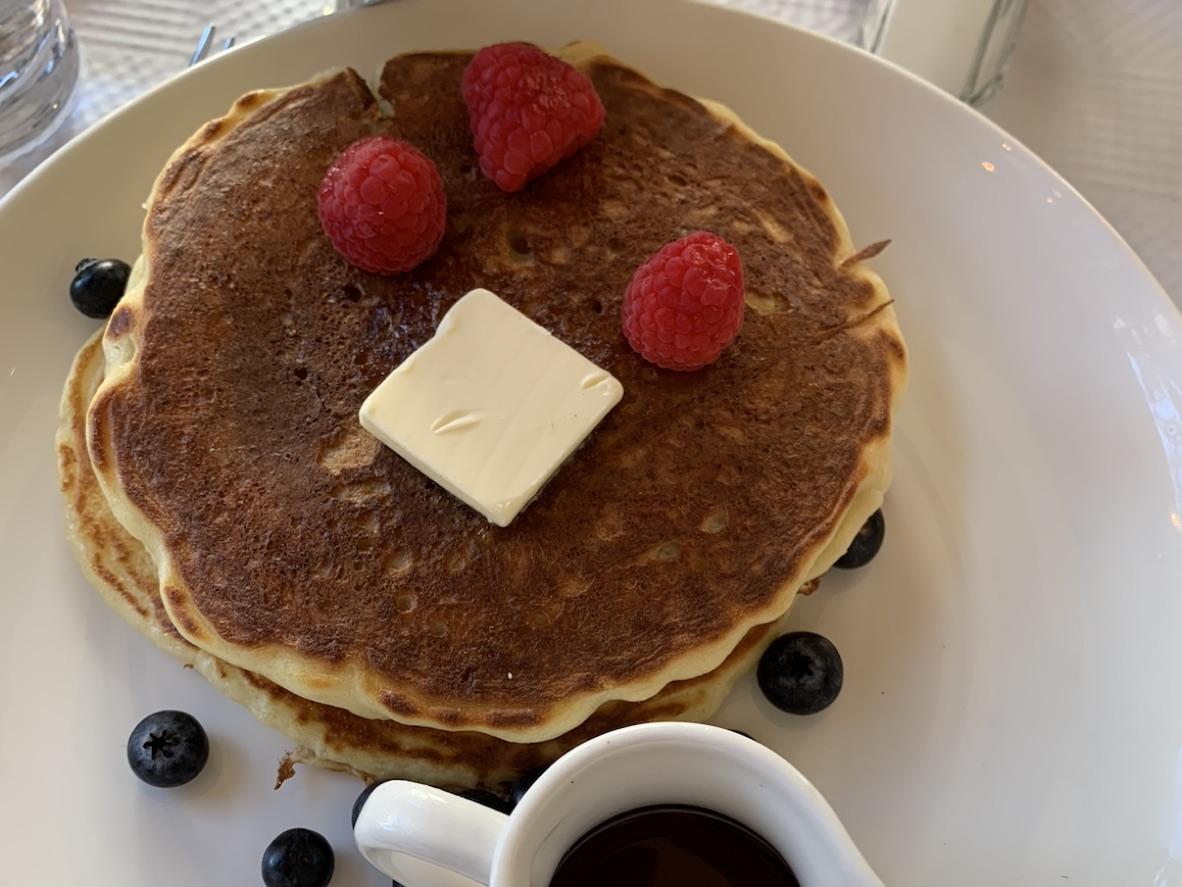
Sunday Buttermilk Pancakes
Makes twelve small pancakes
Ingredients
- 2 cups flour
- 2 tsp baking powder
- 2 cups buttermilk
- 2 eggs
- 3 tbsp butter
Method
Whisk the dry ingredients. Fold in the buttermilk and eggs. Cook on a buttered griddle until the edges set, then turn.
add lemon zest!
Saved in Shio
Buttermilk Pancakes
25 min · makes 12
Ingredients
- 2 cups flour
- 2 cups buttermilk
- 2 large eggs
Ready to cook
Amounts, steps, and timers are now in one place.
Available on iPhone and Android
Why this is annoying
Cookbooks are lovely. Cooking with one hand holding the page open is not.
The recipe you want is on page 184, the cookbook is trying to close itself, and there is flour on the hand you need for your phone. This is usually the point when the olive oil bottle gets promoted to book weight.
Scanning the page gives you a version that can live beside your saved recipes from everywhere else. The book stays on your shelf, and the recipe becomes easier to shop for, follow, and find again.
How it works
Three steps. Then it looks like a recipe.
- 01
Photograph the page
Lay the book as flat as it comfortably goes and take a clear photo in even light.
- 02
Add the next page
If the directions continue, photograph the pages in order so the recipe does not stop halfway through the sauce.
- 03
Review and file it
Check the scan, add your own note if you have one, and save it to a collection in Shio.
Before and after
The good recipe, minus the balancing act.
The printed page becomes a searchable recipe with the parts separated clearly enough to use while you cook.
In the source
In Shio
A dense printed ingredient list
Checkable ingredients with the amounts kept beside them.
“Bake until golden, 25–30 minutes”
A named instruction step with the stated timer attached.
Your note in the margin
A reminder you can add to the saved recipe after checking the scan.
One honest caveat
A good photo makes a much better scan.
Deep shadows, tightly curved pages, tiny print, and a thumb over the final ingredient can all cause mistakes. Keep the original page nearby until you have reviewed the imported recipe.
Flatten without fighting
Press near the spine gently. If the book will not lie flat, take one photo of each column instead of forcing the whole spread into one frame.
Watch the light
Use bright, even light and check that every line is sharp before you move on to the next page.
Questions people ask
The useful answers.
Can I scan a recipe that runs across several pages?
Yes. Photograph each page in order and include the title page or first page so Shio has the full recipe context.
Does this work for handwritten recipe cards?
It can, especially when the handwriting is clear and the card is photographed straight on. Older cursive or faded ink deserves a careful review after import.
Can I share the scanned cookbook recipe publicly?
Use the scan as a private cooking copy and respect the cookbook author's copyright. Shio helps you organize the recipes you use; it does not make someone else's published work yours to republish.
Your recipe is waiting
Save it once. Cook from the clean version.
Shio is free to download on iPhone and Android. Review the imported recipe before cooking, especially amounts, temperatures, allergies, and dietary changes.