

RedNote recipe importer
Save RedNote recipes in English.
Share a 小红书 post with Shio to get English ingredients and cooking steps.
How to save a RedNote recipe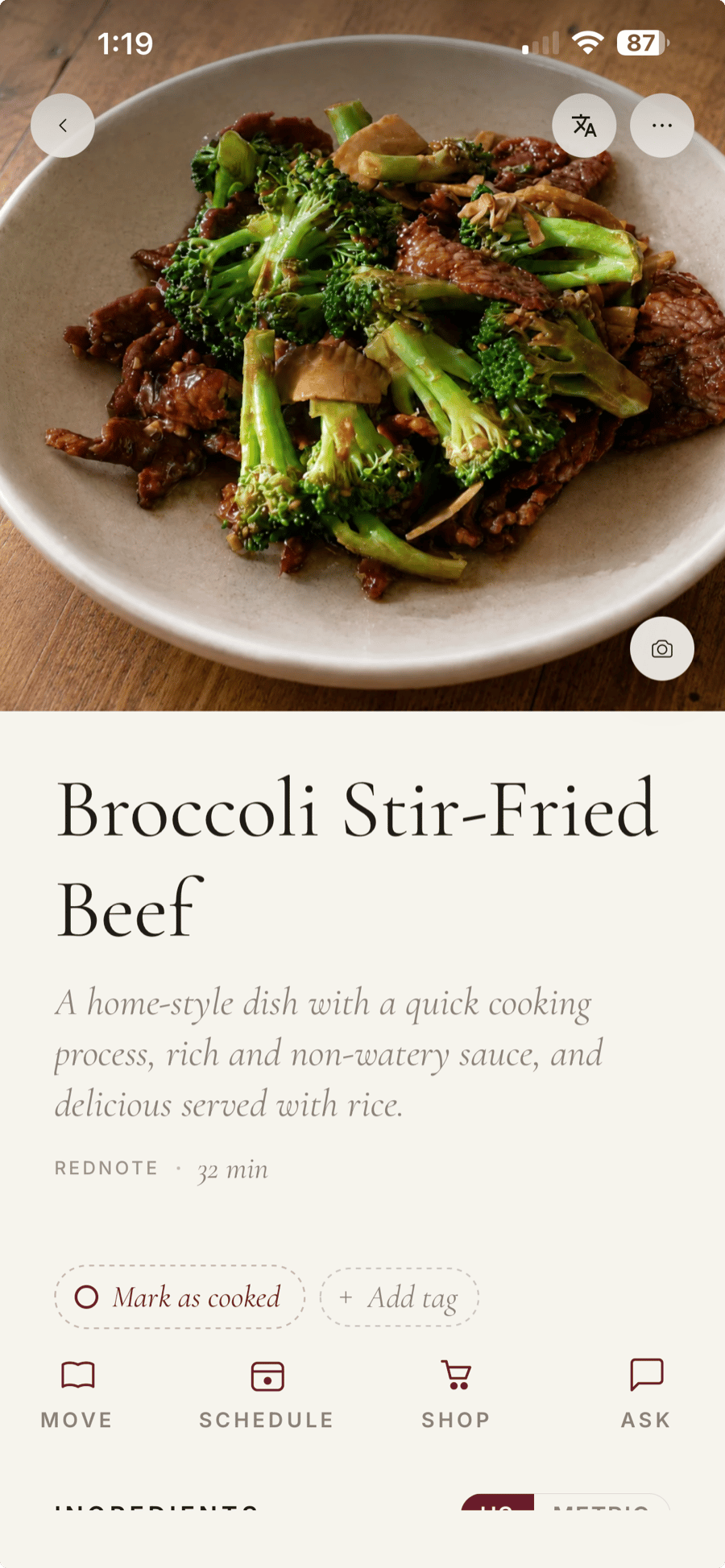
How to save a RedNote recipe
- 01
Copy the post link
Open Share on the RedNote post and copy its link. Paste it into Shio on your phone.
- 02
Translate into English
Import the recipe, then choose English from its translation menu. Review the ingredient names and amounts.
- 03
Save it for dinner
Cook from the written steps. You can return to the creator’s post from the saved recipe.
Chinese recipe terms
Chinese ingredient names in English.
Look for 生抽 (light soy sauce) and 老抽 (dark soy sauce) when buying ingredients for a Chinese recipe.
| Chinese | English |
|---|---|
| 生抽 1汤匙 | 1 tbsp light soy sauce |
| 老抽 1茶匙 | 1 tsp dark soy sauce |
| 小火炖 45分钟 | Simmer over low heat for 45 minutes |
Example translations. 适量 means “to taste” or “as needed”. It does not specify an exact quantity. Check informal measures before cooking.
FAQ
Before you import
Are RedNote, Xiaohongshu, and 小红书 the same app?
Yes. Xiaohongshu is the romanized Chinese name, 小红书 is the Chinese name, and RedNote is the English name. You can use a public post link, including a short xhslink.com share link, in Shio.
Does this translate the recipe in my browser?
No. RedNote imports run in the Shio app for iPhone and Android. The button above opens your link in the app if it is installed. Otherwise, install Shio first and paste the link there.
What if Shio cannot open the RedNote post?
Private posts, deleted posts, and platform restrictions can prevent an import. If you have screenshots, upload them in Shio. Include the ingredients and method, and check any small or cropped text in the result. For a video, screenshots can only supply the information they show.
Can I keep using my current recipe app?
Yes. Start with one RedNote recipe in Shio. You don’t need to move your existing collection or cancel another app to try it.
Updated . Shio is not affiliated with RedNote.